
No DJ? Let Dekk mix your YouTube party.
Add a few songs or let your friends add theirs. Dekk moves smoothly from one track to the next and keeps the music going when the queue runs out. Free, straight from your browser.
How does Dekk mix your YouTube songs?
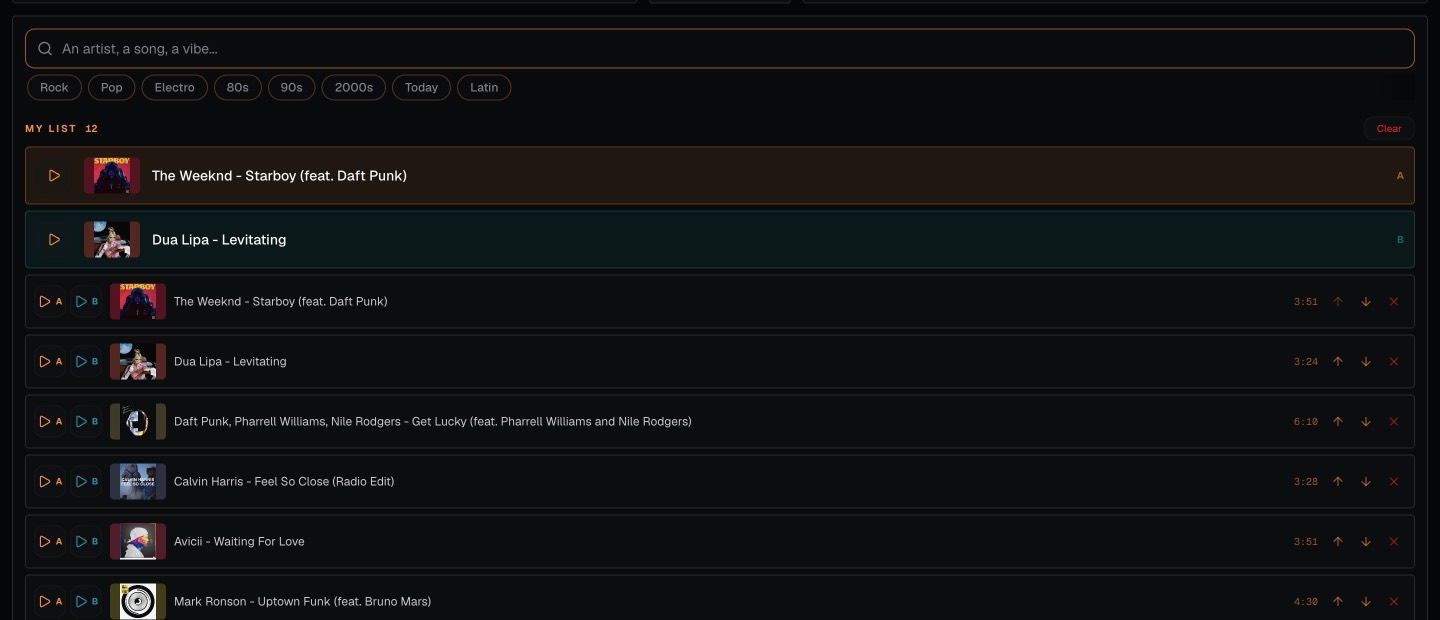
Build the queue
Search for songs on YouTube and add them to the queue, or start a party and let friends add tracks from their phones.
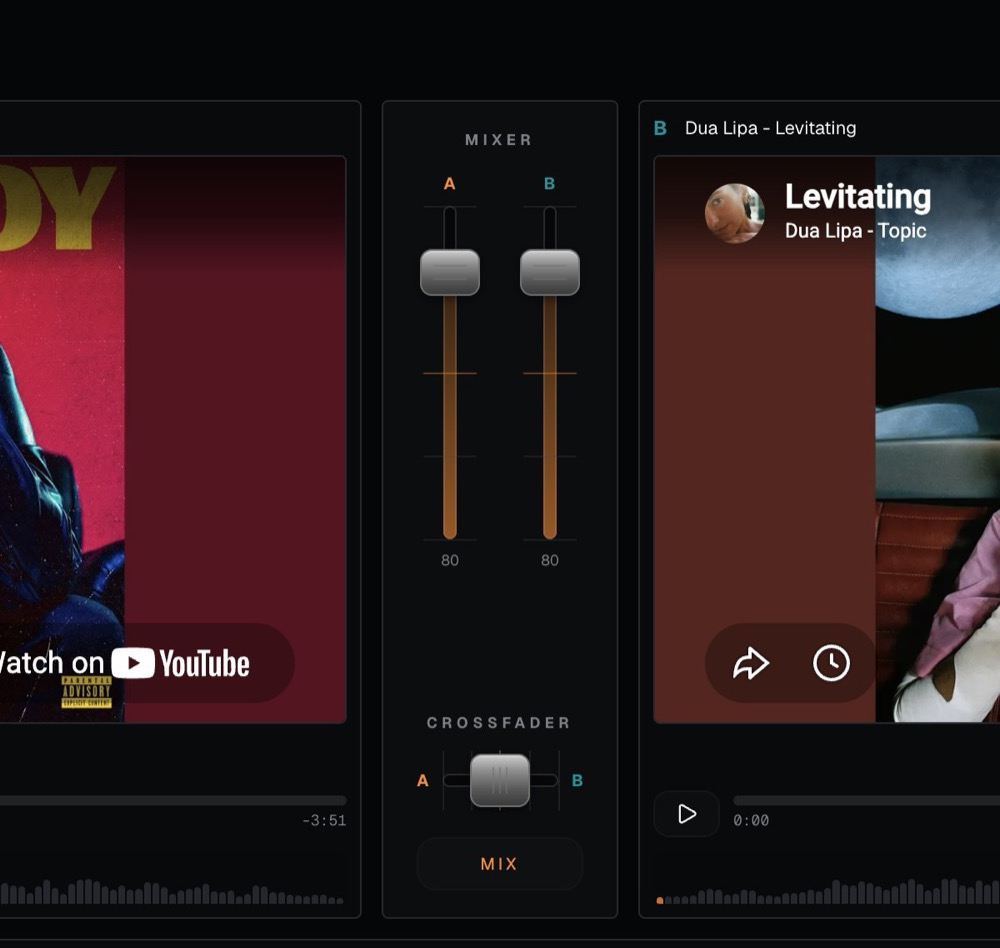
Let Dekk handle the transitions
As one song finishes, Dekk fades into the next. If the queue runs out, it carries on with similar music, so nobody has to stay next to the laptop all night.
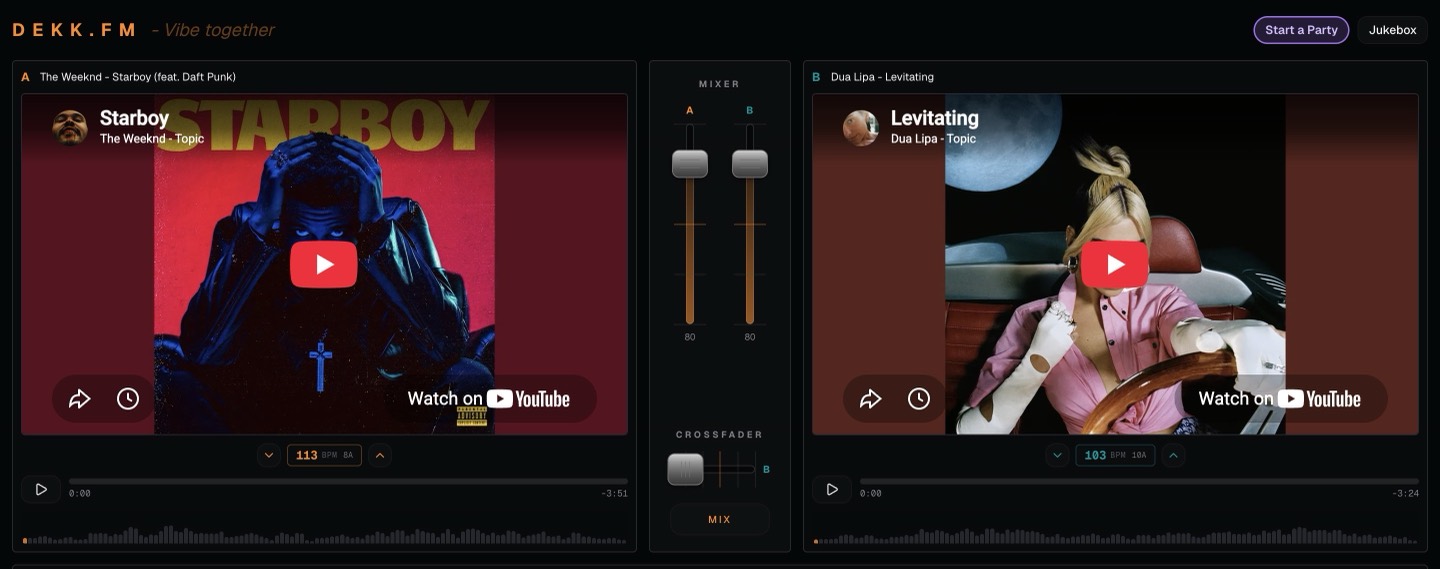
Take over whenever you want
Want more control? Use the two decks and crossfader yourself, or hit MIX for a quick transition to the next track.
For parties where nobody wants to DJ all night.

House parties
Set up one laptop, connect the speakers and let the music take care of itself.

Birthdays
Friends add the songs they want to hear while Dekk keeps everything moving.

Nights in
Put on a few tracks and leave the playlist alone for a while.

Small bars
A simple YouTube jukebox that keeps playing without someone managing every track.
Questions people ask
Can YouTube songs crossfade automatically?
With Dekk, yes. It fades from one song in your queue to the next so you do not get an awkward silence between tracks.
What happens when the playlist ends?
Dekk keeps playing. It chooses similar songs, avoids tracks that have already played and carries on until someone adds something new.
Do I need a DJ for my party?
No. You can fill the queue and let Dekk handle the transitions. If you want to mix yourself at any point, the two-deck view is there too.
Can my friends add songs?
Yes. Start a party and share the QR code. Friends join from their phones and add songs without downloading an app.
Is it free? Do I need to download anything?
Dekk is free and works in your browser. There is no download and no account required.
Does it work with Spotify?
No. Dekk plays music from YouTube, so you do not need Spotify or another music subscription.
Can I use it on my phone?
Yes, with a simplified player. For the full mixer and two-deck view, use a laptop or computer connected to your speakers.
Your party, without someone stuck on DJ duty.
Add a few songs and let Dekk keep things moving.