
Turn your party into a free jukebox.
Guests choose songs from their phones and Dekk plays them in order with smooth transitions. If the queue empties, the music carries on automatically. Free, in your browser.
How does the Dekk jukebox work?
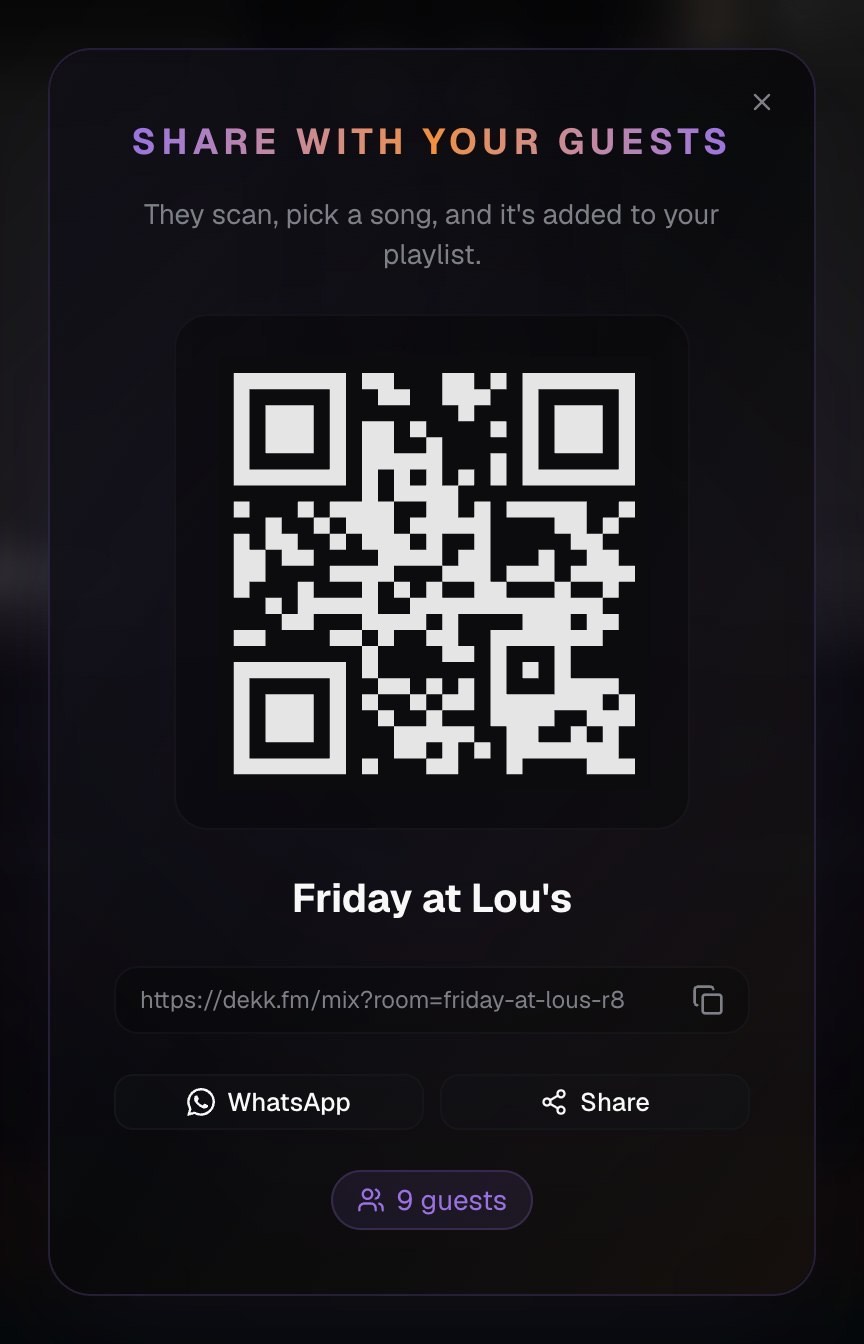
Start a party
Open Dekk on the laptop or TV connected to the speakers and give your party a name. You will get a QR code and a link to share.
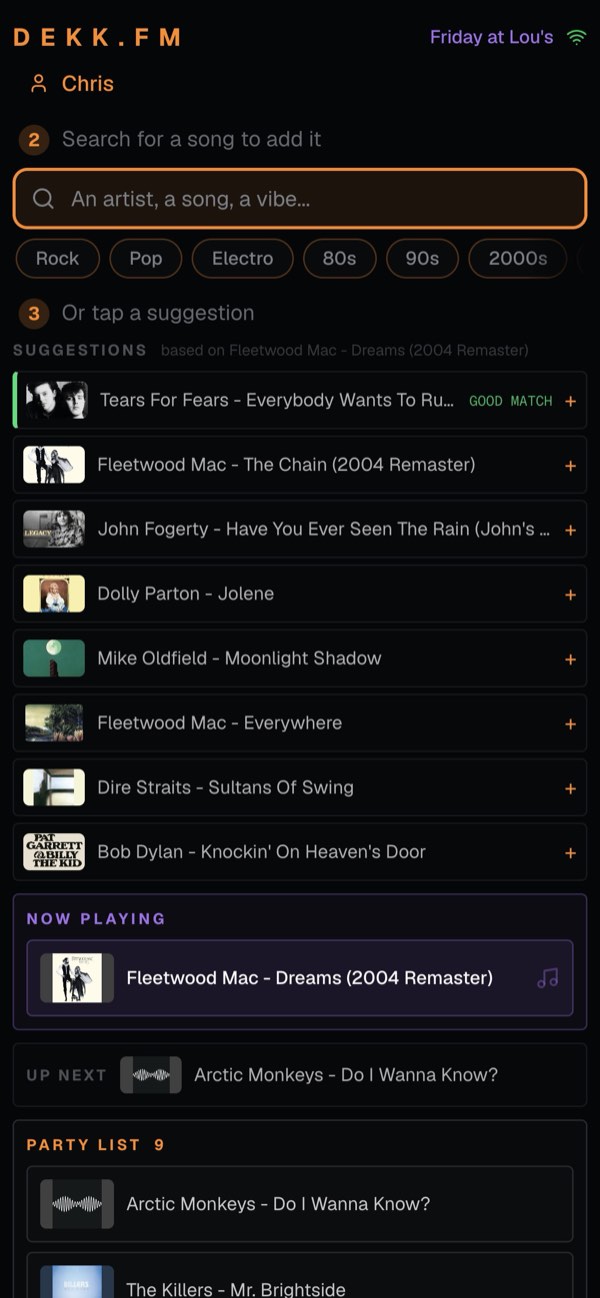
Guests scan and choose songs
They scan the QR code, join from their browser and pick what they want to hear. No app to install.
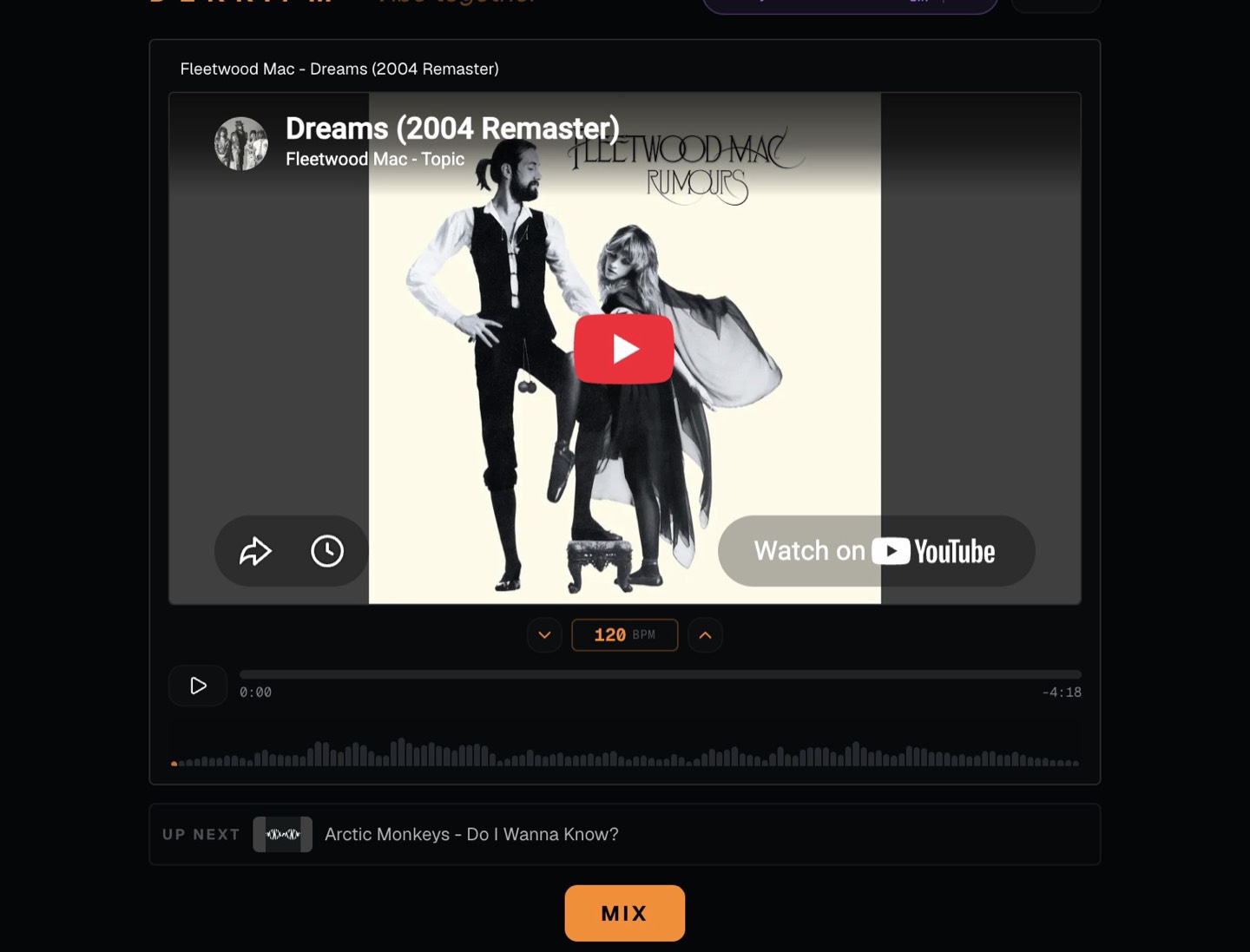
Dekk plays the queue
Songs play in the order they were added, with smooth transitions. If nobody adds anything for a while, Dekk fills the gap with similar music.
A jukebox for nights when everyone wants a say in the music.

Small bars and pub nights
Put the QR code near the screen and let regulars choose what they want to hear.

House parties
Everyone can pick a song without passing the host’s phone around.

Nights with friends
Each person adds tracks from their own phone.

Get-togethers
Let your friends choose the music while Dekk keeps the queue moving.
Questions people ask
Is there a free jukebox app for a party?
Yes. Dekk works as a free party jukebox in your browser. Guests choose songs from their phones and Dekk plays them through the device connected to your speakers.
Does it work in a bar or pub?
Dekk can work for parties and small venues where guests or regulars help choose the music. It is not a pay-per-song commercial jukebox and does not provide a public-performance or broadcast licence. Music is played from YouTube.
Do guests need to download an app?
No. They scan the QR code, open the page in their browser, enter their first name and start choosing songs.
Can I control the queue?
Yes. The host can remove songs and change their order, so guests can contribute without giving up control of the music.
What plays when nobody picks a song?
If the queue is empty, Dekk continues with similar music and avoids tracks that have already played.
Can I use it on my phone?
Yes, with the simplified mobile player. For the full experience, use a laptop or computer connected to the speakers and let guests use their own phones.
Your party, your jukebox.
Show the QR code and let your guests choose the next song.